Casdoor-SSO
Casibase 使用 Casdoor 作为其身份认证和单点登录(SSO)提供商。请确保提前部署好 Casdoor。 请确保提前部署它。
请参考 Casdoor 服务器安装指南 来安装和配置 Casdoor。
按照以下步骤为 Casibase 设置 Casdoor:
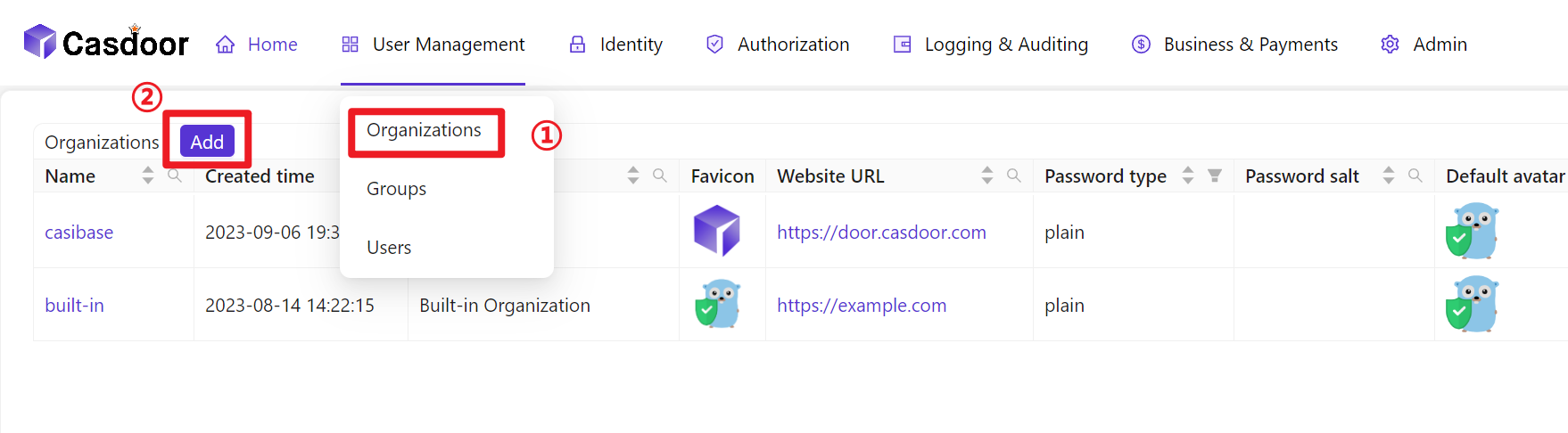
- 创建组织
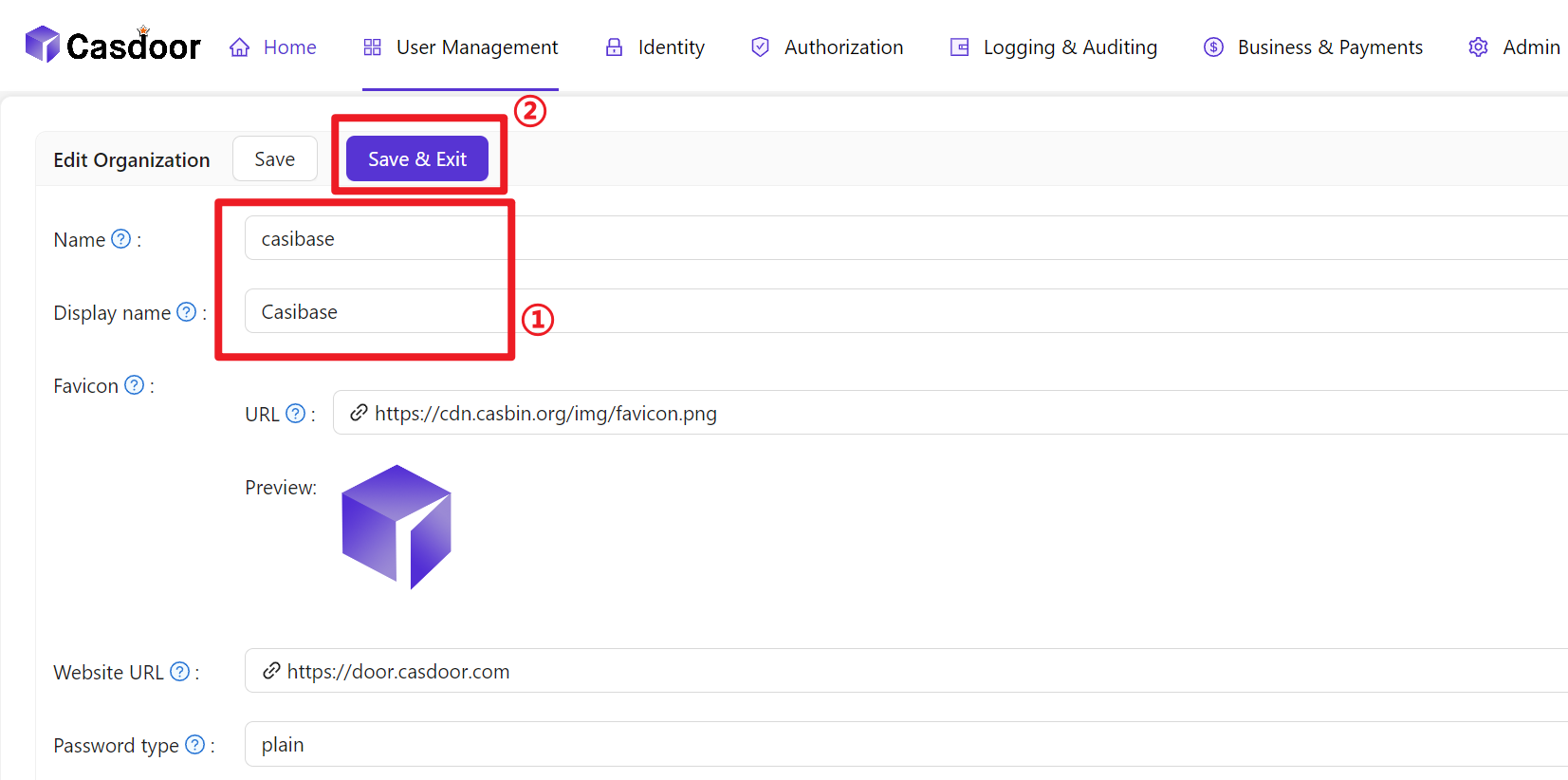
- 配置组织信息
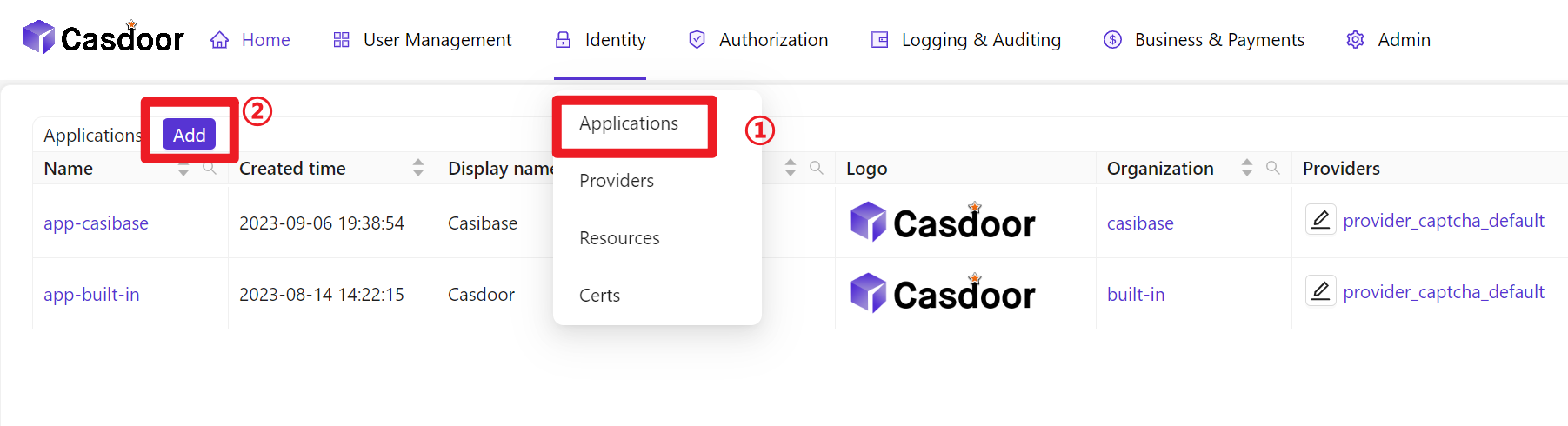
- 创建新应用
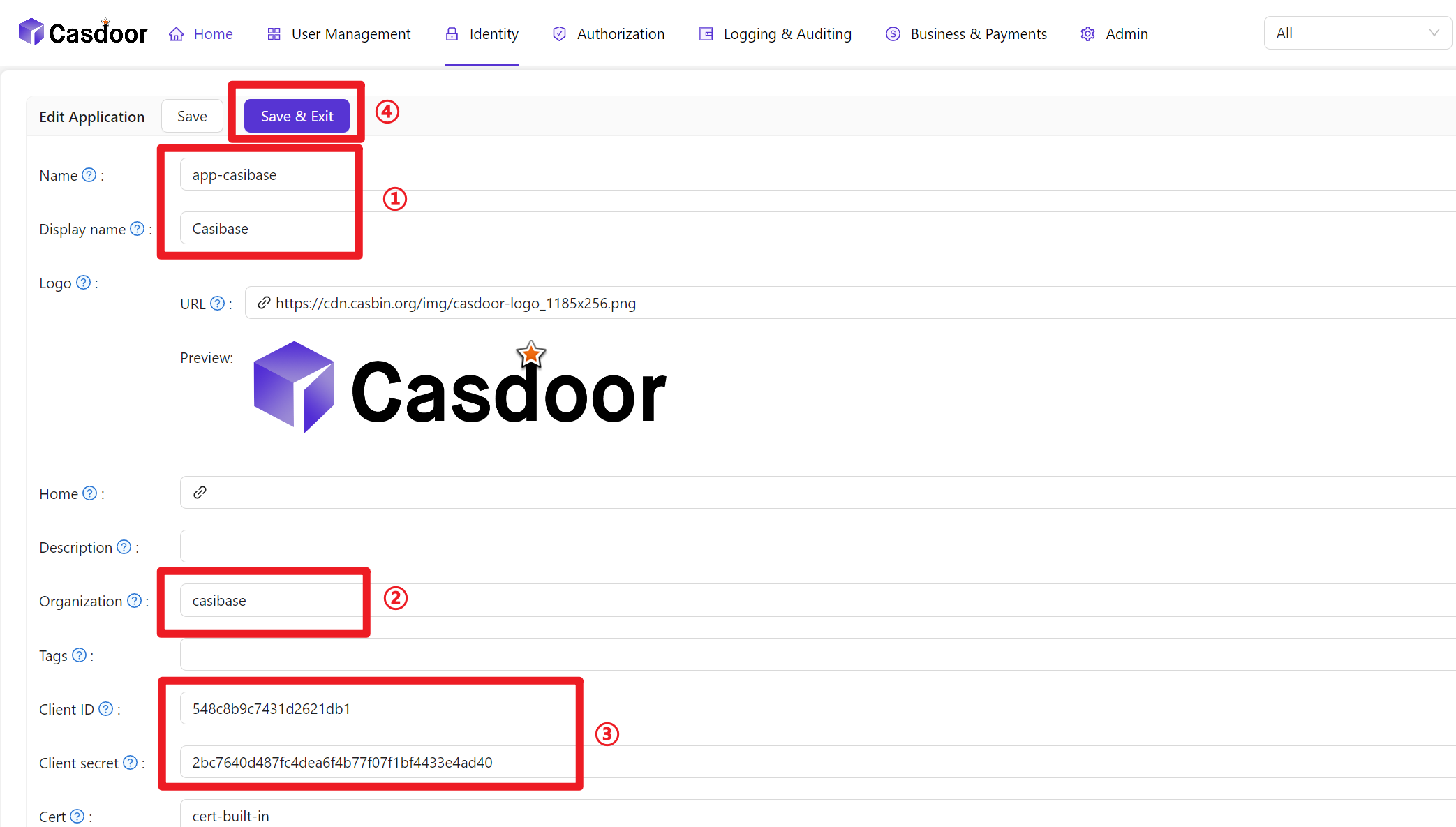
- 配置应用信息(请记住应用名称、ClientID 和 ClientSecret)
- Create a Certificate: In the Casdoor dashboard, choose Cert → Add, keep
AlgorithmasRS256(default), enter a name, and click Save.
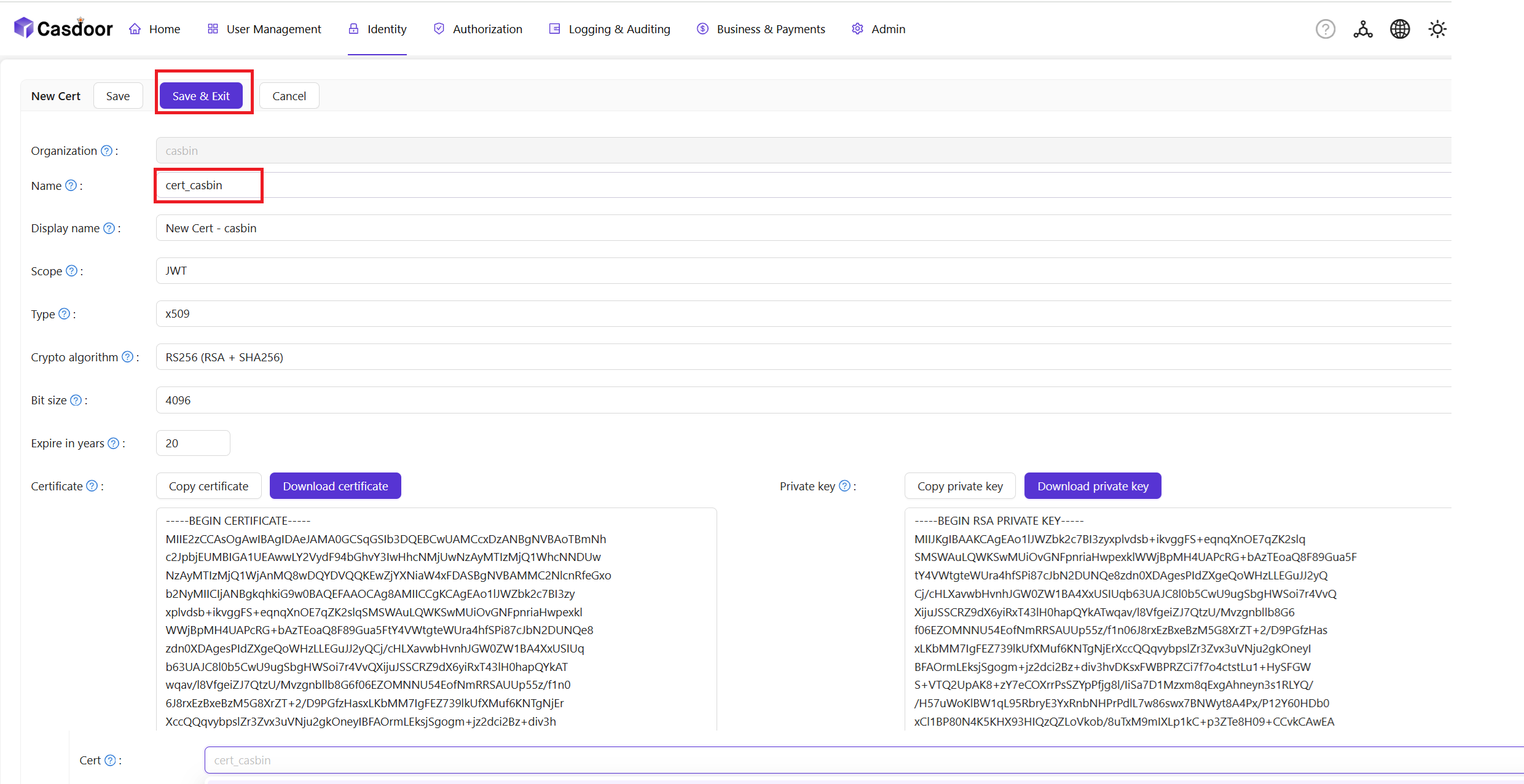
- Bind the Certificate to the Application: Open the Config tab of your newly created Application, select the certificate you just created from the Cert dropdown, and click Save.

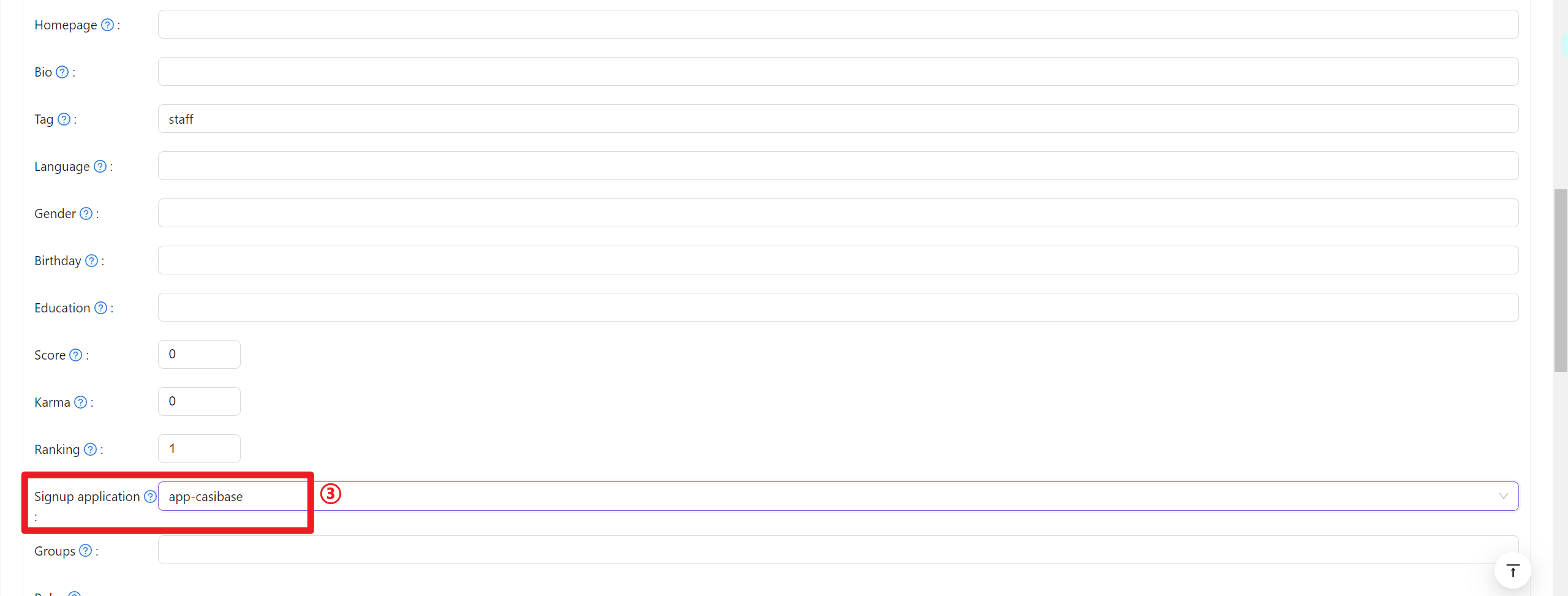
- 在新创建的组织中添加成员
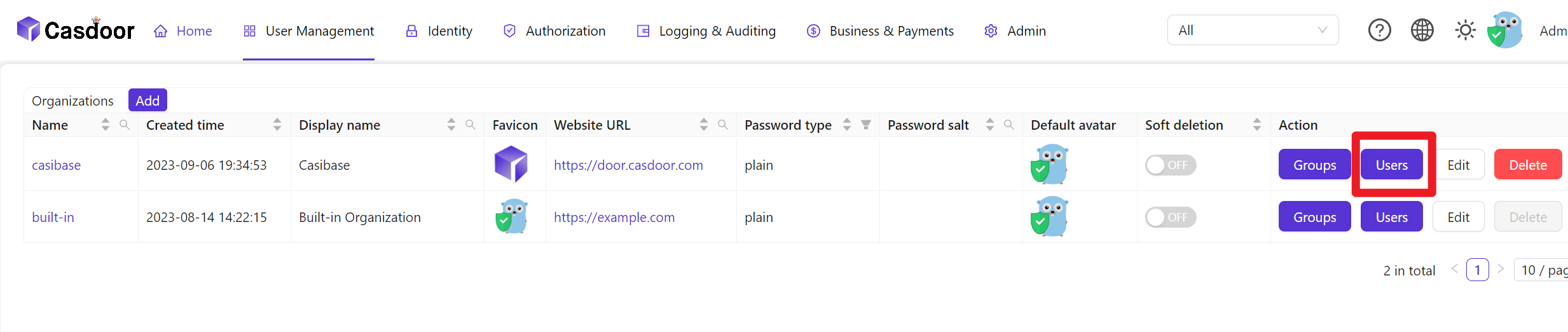
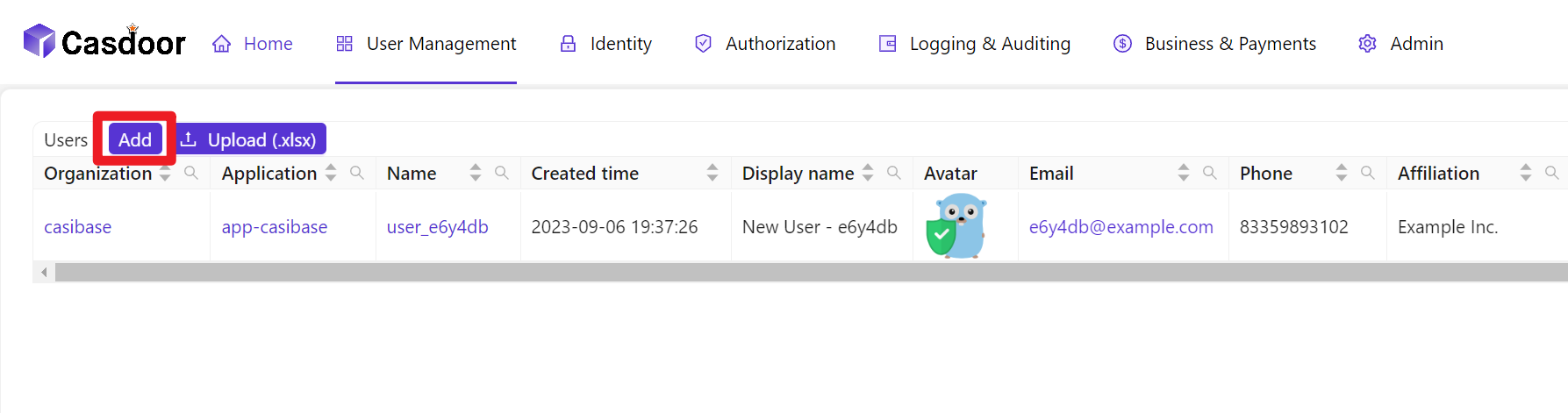
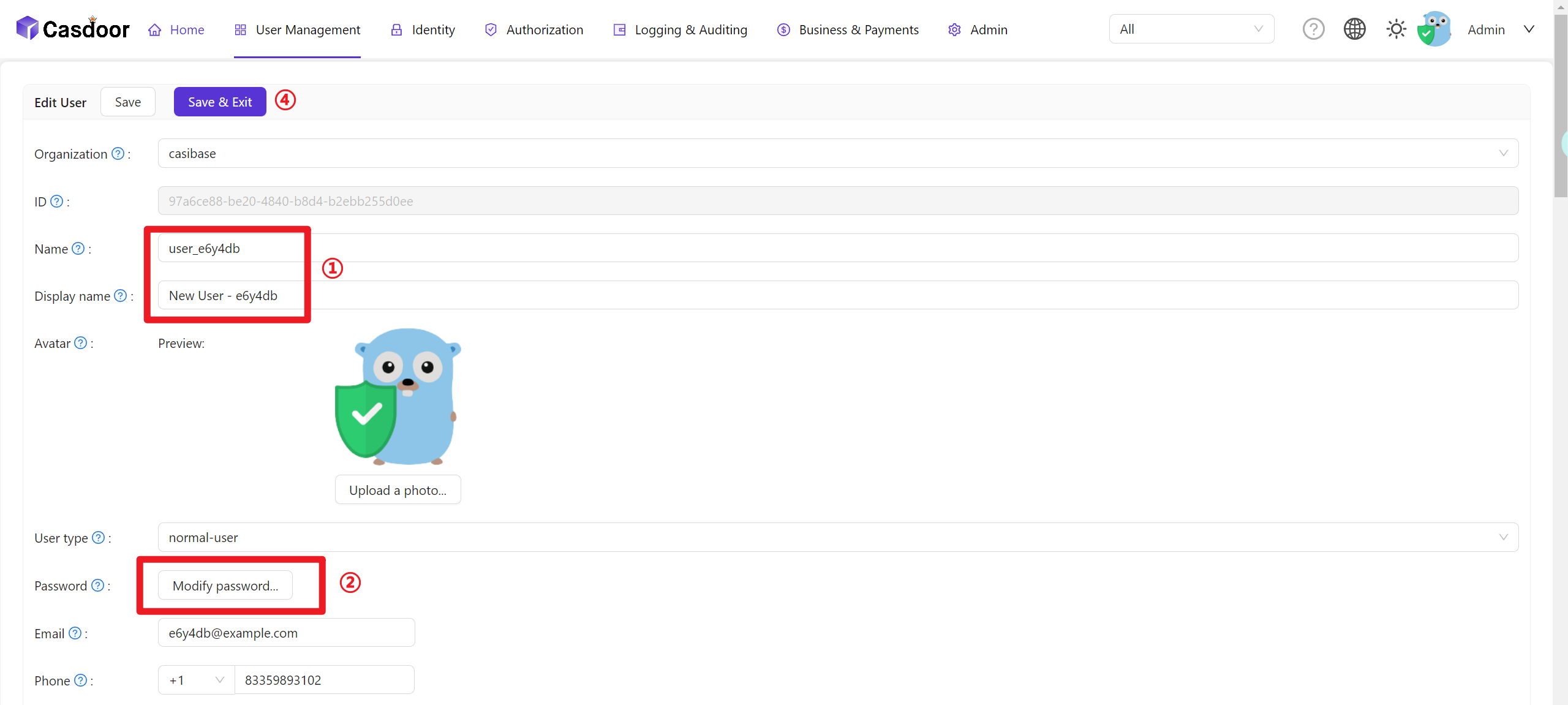
- 配置成员信息(请记住用户名和密码)
User Data Synchronization
Casibase automatically keeps user information synchronized with Casdoor. When a user's account is accessed through the application, Casibase fetches the latest user data directly from Casdoor rather than relying on cached session data. This ensures that any updates to user profiles in Casdoor—such as changes to name, email, avatar, or permissions—are immediately reflected in Casibase without requiring users to log out and log back in.
This real-time synchronization happens transparently in the background whenever the application needs to access the current user's account information.
Billing Integration
Casibase integrates with Casdoor's transaction system for AI usage billing. When users interact with AI models, transaction records are automatically created in Casdoor to track token consumption and costs. This enables centralized billing management across all your applications. For details on how transactions work, see the Billing & Usage section.